How to Get Your Shopify Products Ready for AI Shopping Assistants
A practical checklist to make Shopify product data clear for ChatGPT, Copilot, and Gemini.
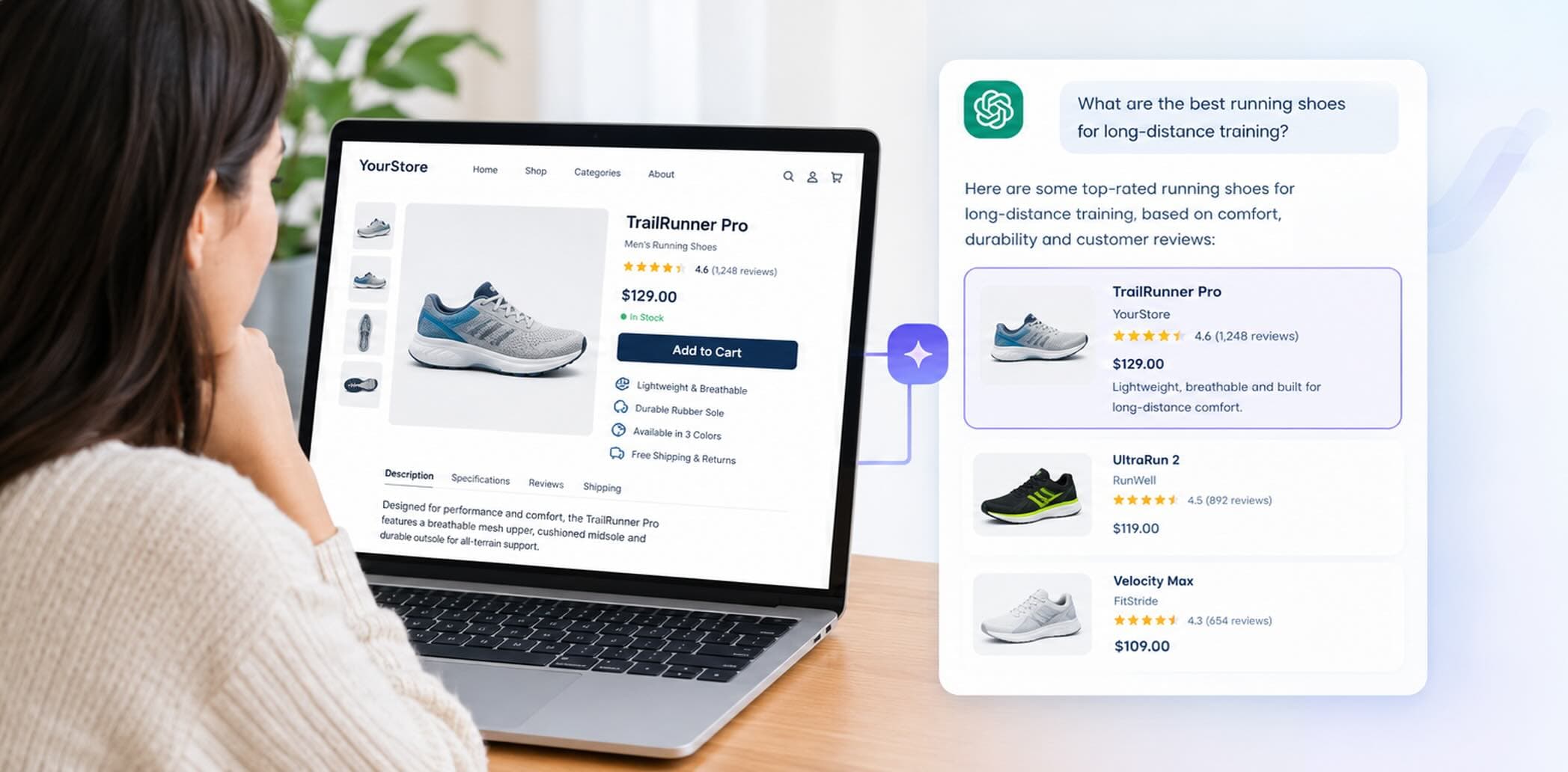
Shopify has made it much easier for products to reach AI shopping assistants. Through Shopify Catalog and the Agentic sales channel, merchants can connect their products to AI platforms such as ChatGPT, Microsoft Copilot, Google AI Mode, and Gemini without building a separate integration for each one.
Connecting your products is not the same as having them recommended, though. Shopify states plainly that Catalog inclusion does not guarantee placement or ranking. Once your products are available to AI platforms, they compete on something more basic: how clearly, completely, and accurately your product data describes what you sell.
This guide explains how Shopify products reach AI assistants, which product data matters most, and a practical checklist for getting your catalog ready.
How Shopify Products Reach AI Assistants
There are three parts worth understanding.
1. Shopify Catalog
Shopify Catalog is the layer that organizes your product information for AI platforms. According to Shopify, eligible products are added automatically, and their information is updated continuously. Catalog also organizes product data, for example by grouping color options as variants of one product.
Catalog works from the product data you already maintain in your Shopify admin: titles, descriptions, variants, categories, metafields, images, prices, and inventory. If that data is thin or inconsistent, Catalog has less to work with.
2. The Agentic sales channel
Agentic Storefronts is a sales channel in the Shopify admin (Sales channels > Agentic). It connects your products to AI platforms, and depending on the channel, lets shoppers check out in the conversation while you remain the merchant of record.
Shopify lists several eligibility requirements, including meeting Catalog requirements, accepting the supplemental terms, and publishing your terms of service, privacy policy, and return and refund policy. Checkout options vary by platform. Shopify notes, for example, that some direct checkouts don't support bundles, customizable products, or subscription-only purchases.
3. Your store facts
AI assistants answer questions about more than products. Shoppers ask about shipping, returns, and warranties too. Shopify provides a Knowledge base under Sales channels > Agentic > Sources, where you can review store facts, correct outdated information, and publish the details customers need.
A note on Google: Shopify's guidance says Google AI Mode and Gemini also use your Google Merchant Center feed. If you sell through Google, keep automatic product and shipping syncing turned on so your Merchant Center data matches your store.
Why Product Data Decides What Happens Next
When a shopper asks an AI assistant something like "What's a good waterproof hiking boot for wide feet under $200?", the assistant has to work out which products fit. It compares the facts it has: materials, sizes, fit, features, price, availability, and reviews.
A product whose page says only "Our best boot yet, built for adventure" gives the assistant little to match. A product that states its waterproof membrane, available widths, weight, sole type, and price gives it a lot.
Shopify's own advice follows the same logic. It recommends giving accurate details such as materials and dimensions, keeping prices and inventory current, using images that match the product sold, and checking descriptions for missing facts.
The Shopify AI-Readiness Checklist
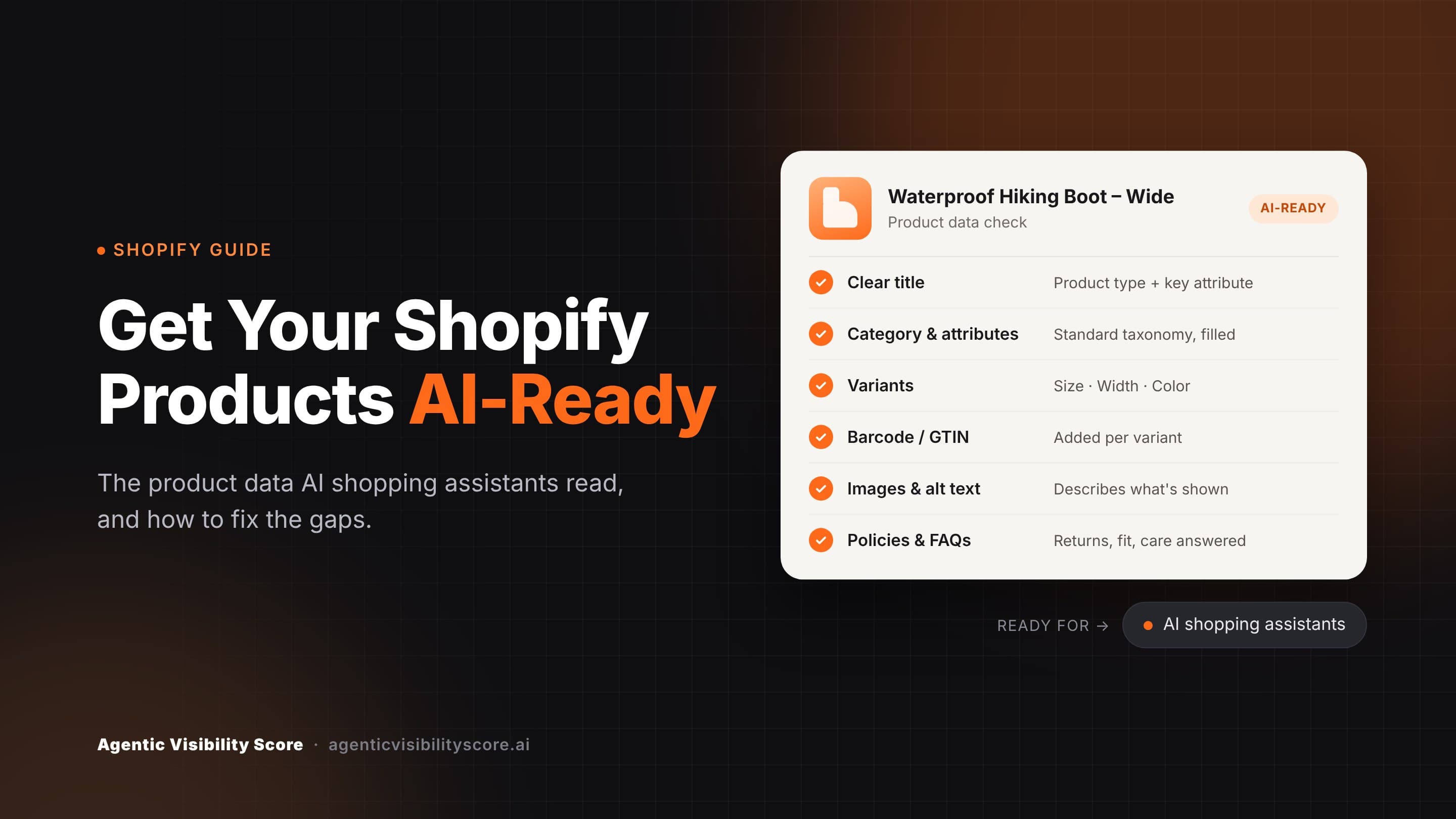
1. Write titles that say what the product is
A strong title names the product type and its most important distinguishing attribute. "Merino Wool Crew Neck Sweater – Men's" tells a system far more than "The Weekender."
- Include the product type, plus brand or line name where it helps.
- Add one or two defining attributes, such as material, size or use.
- Avoid stuffing titles with keywords or promotional phrases.
- Keep variant details (such as color and size) in variant options, not repeated in every title.
2. Put facts in your descriptions, not just adjectives
Descriptions can still tell a brand story, but they also need to state the facts buyers compare: materials or ingredients, dimensions, weight, capacity, compatibility, care instructions, and what's in the box.
A useful test: could someone answer the five most common pre-purchase questions about this product from the description alone? If not, the facts are missing.
3. Set clear, consistent variant options
Use plain option names such as Size, Color, and Material, and consistent values across your catalog. "Navy", "navy blue" and "Dark Blue" for the same shade make variants harder to interpret. Make sure each variant has its own accurate price, SKU, inventory and, where possible, its own image.
4. Assign the right product category
Shopify's product category field uses the Shopify Standard Product Taxonomy. Choosing the most specific accurate category helps systems understand what the product is and unlocks category metafields, which are standard attributes for that category, such as fabric, closure type or age group.
Fill those attributes in where they apply. Structured attributes are easier for systems to compare than the same facts buried in a paragraph.
5. Check where your custom data lives
Many stores keep important details in custom metafields: specifications tables, fit notes, ingredient lists. Shopify advises that if key details sit in custom fields, you should review your Shopify Catalog mapping so the information you intend is the information that's read.
6. Add product identifiers
Where your products have them, add GTINs (UPC, EAN or ISBN) in the Barcode field, along with accurate SKUs and the correct brand or vendor. Identifiers help platforms recognize that a product is a specific, real item and match it correctly with other information about it.
Never invent identifiers. If a product has no assigned GTIN, leave the field empty.
7. Use accurate images and real alt text
Images should show the actual product and variant being sold, from useful angles, including scale and use where relevant. Write alt text that describes what each image shows, such as "Black leather tote bag with laptop sleeve, open to show interior pockets", instead of repeating the product name or leaving it empty.
8. Keep price and inventory accurate
AI channels can only show what your store data says. Keep prices and stock current, and if you don't want products sold when they're out of stock, enable inventory tracking and turn off Continue selling when out of stock, as Shopify recommends.
9. Publish clear policies and store facts
Your terms of service, privacy policy, and return and refund policy are part of Agentic channel eligibility. They also answer some of the most common questions shoppers ask before buying. Make them specific. "Returns accepted within 30 days of delivery; we cover return shipping on defective items" is far more useful than "Hassle-free returns."
10. Answer buyer questions on the product page
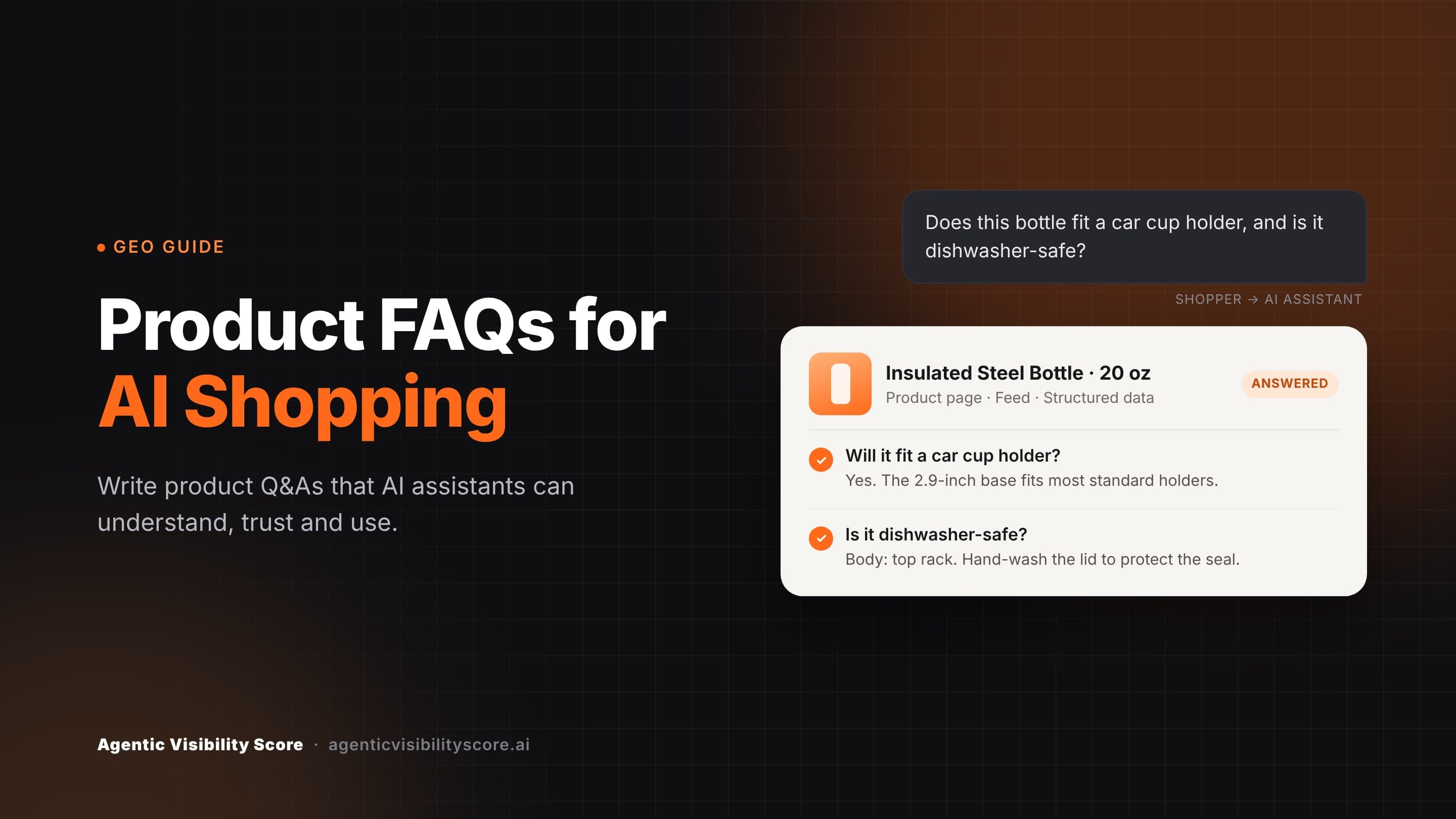
Product-specific FAQs fill the gap between what the description says and what shoppers ask. Focus on fit, compatibility, materials, care and suitability. Our guide to writing product FAQs for AI shopping covers how to find the right questions and write answers AI assistants can use.
11. Make genuine reviews visible
Reviews help shoppers judge real-world quality and fit, and they give AI systems more context. Make sure your review app displays ratings and review content on the product page, and that any review markup matches what shoppers can see. Never fabricate or incentivize reviews without disclosure.
Common Mistakes Shopify Merchants Make
| Mistake | Why it hurts | Fix |
|---|---|---|
| Creative product names as titles | The title doesn't say what the product is | Lead with the product type and key attribute |
| Specs only inside images or PDFs | Facts in images are harder to read reliably | Repeat key specs as text or structured attributes |
| Generic or missing product category | Products are harder to classify and compare | Pick the most specific accurate taxonomy category and fill its attributes |
| Inconsistent variant names | Options are harder to match to shopper requests | Standardize option names and values across the catalog |
| Empty or duplicated alt text | Images add no descriptive context | Describe what each image actually shows |
| Vague or missing policies | Can block channel eligibility and leaves shopper questions unanswered | Publish specific shipping, returns and refund terms |
| Selling out-of-stock items unintentionally | Shoppers may order products you can't ship | Track inventory and review the out-of-stock setting |
A Practical Workflow for Your Catalog
Most stores can't rewrite every product at once, and they don't need to. Work in priority order:
- Start with your top products. Pick your best sellers and highest-margin products, often 10–20 products to begin with.
- Audit each product page. Check titles, descriptions, category, attributes, variants, identifiers, images, FAQs and reviews against the checklist above.
- Fix the highest-impact gaps first. Missing specifications, unclear variants and unanswered buyer questions usually matter more than small metadata tweaks.
- Check your store-level setup. Review your policies, Knowledge base facts and Agentic channel settings.
- Test with real questions. Ask AI assistants the questions your customers would ask, and note whether your products appear and are described accurately.
- Re-check and expand. Re-audit the products you improved, then roll the same standards out to the rest of the catalog.
Keep your expectations realistic. AI responses vary by platform, phrasing and context, and no single change guarantees a recommendation. The goal is a catalog that is consistently easy to understand, compare and trust.
How Agentic Visibility Score (AVS) Helps Shopify Merchants
The hardest part of this work is knowing what's missing from a specific product page. It can look complete to your team and still leave out the facts and answers shoppers look for.
The Agentic Visibility Score app for Shopify analyzes individual product pages and shows:
- An Agentic Visibility Score for the product.
- Which buyer questions the page answers and which it doesn't.
- Content gaps across product details, specifications, images and alt text, care and safety information, and technical signals.
- How the product's readiness compares across supported AI platforms.
- Prioritized recommendations, which Shopify merchants can apply directly to their products.
Analyze a product, apply the improvements, then re-analyze to see how its readiness changes.
An AVS score measures product readiness against the AVS framework. It does not guarantee how any third-party AI platform will display, cite or recommend a product. It helps make sure your product information is ready when those platforms evaluate it.
Install Agentic Visibility Score from the Shopify App Store and analyze your first product.
Not on Shopify? You can also analyze any product page on the AVS web portal.
Final Thoughts
Shopify has largely solved the connection problem: your products can reach AI shopping assistants through Shopify Catalog and the Agentic channel. What it can't do for you is make your product information complete.
The merchants who benefit most will be the ones whose titles say what the product is, whose descriptions state the facts, whose variants and categories are clean, and whose product pages answer the questions shoppers actually ask. That work also makes your store better for every human visitor.
For a broader overview beyond Shopify, read our guide on how to improve product visibility in AI search.
Frequently Asked Questions
Are Shopify products automatically shown in AI assistants like ChatGPT?
Shopify says eligible products are added to Shopify Catalog automatically, and merchants manage AI platform connections through the Agentic sales channel. Being included does not guarantee that a product will be shown or recommended. That depends on the platform, the shopper's question and how well your product data matches it.
Where do I manage AI channels in Shopify?
Shopify's guidance points to Sales channels > Agentic in the Shopify admin. Availability and features can vary by store, market and platform, so check the Shopify Help Center for current requirements.
How do I stop a product from appearing in AI shopping channels?
According to Shopify, setting a product's status to Unlisted hides it from Shop and other agentic storefronts. It also removes the product from Shopify Catalog, search engines and your store's own search, so use it deliberately.
Do I need a separate feed for Google AI Mode and Gemini?
Shopify's guidance says Google AI Mode and Gemini use your Google Merchant Center feed. If you sell through Google, keep automatic product and shipping syncing turned on so that feed stays aligned with your store.
What should I fix first?
Start with your best-selling products. Make sure the title says what the product is, the description states its key facts, the category and variants are accurate, and the page answers the most common buyer questions. These usually have more impact than small metadata changes.